
Static documentation has a shelf life. And it is short.
Employees do not open PDFs. They do not visit wikis. They ask colleagues instead. The information exists. People just cannot find it when they need it.
Training should happen inside the software, not outside it. Separate portals are forgotten. Static documents gather dust. The best approach meets users where they work. It delivers guidance in the moment of need. It captures expertise before it walks out the door.
For organizations running complex software environments, top digital adoption platforms for enterprise software rollouts replace outdated manuals with in-app guidance. This article examines five platforms that outperform traditional documentation. Each one helps teams create, share, and maintain training content faster than static documents ever could.
1. Tango
Tango captures processes automatically as teams complete their work. The browser extension runs quietly in the background while users click through their normal workflow. No one has to stop and write documentation separately.
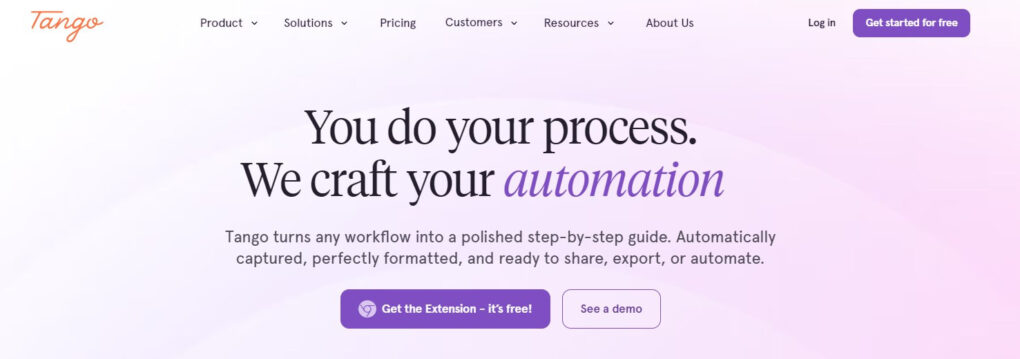
Tango’s “Guide Me” feature changes how employees learn new software. Instead of reading instructions and switching between windows, users follow on-screen prompts that highlight exactly where to click. The walkthrough advances automatically as the user completes each step. The lightbox effect dims everything except the current action. This keeps attention focused on one task at a time. Employees learn by doing, not by reading.
The platform places knowledge directly inside tools teams already use. Users access guidance without leaving their workflow or searching through separate portals. This reduces repeat questions and keeps employees productive.
HubSpot Ventures invested in Tango in 2024. The investment recognized Tango’s potential to solve process inefficiency and drive software adoption. The free tier supports up to ten users and five shared workflows. Pro plans start at $15 per user per month.
Tango operates as a top digital adoption platform for enterprise software rollouts that helps IT, operations, and enablement teams preserve tribal knowledge before employees leave. The platform captures expertise automatically while teams work, eliminating the need for manual documentation.
Why it outperforms traditional documentation:
- Captures every click automatically while teams work instead of requiring manual effort
- Turns static guides into interactive, on-screen walkthroughs that progress step by step
- Puts guidance inside applications where users already work, not in separate portals
- Eliminates time spent taking screenshots, drawing rectangles, and writing instructions from scratch
- Shares guides instantly with links or exports to PDF, HTML, or Markdown
- Updates guidance automatically as processes evolve, preventing outdated documentation
2. Trainual
Trainual centralizes processes, policies, and responsibilities into a single knowledge hub. The platform earned a spot on the Inc. 5000 list for four straight years (2022-2025). It also received Inc. Best Workplace recognition five years in a row (2021-2025).
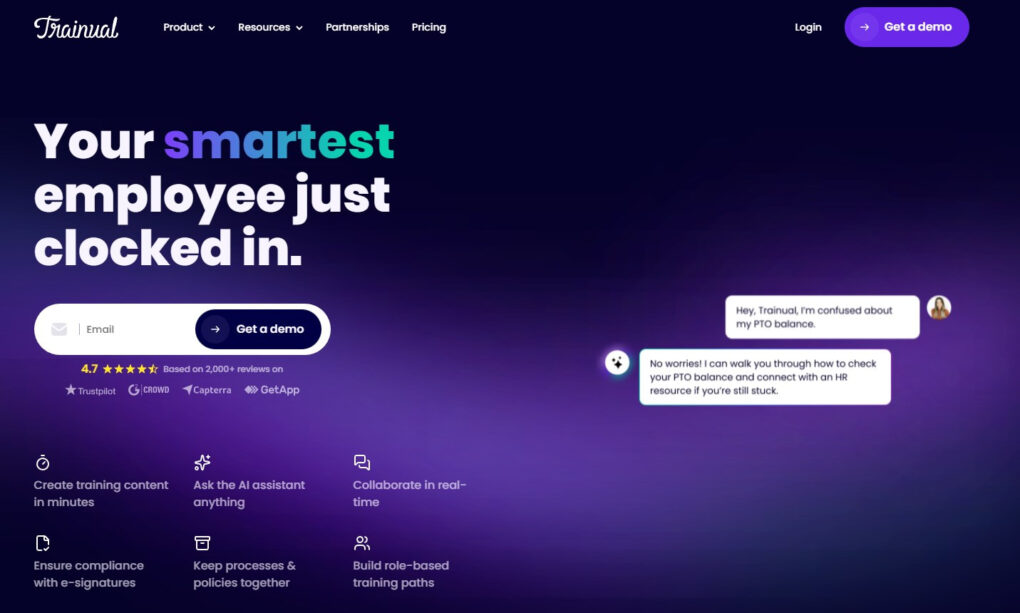
AI-powered search goes beyond simple keyword matching. It understands the intent behind questions and delivers accurate answers from stored content. Users ask direct questions and receive precise responses. An AI assistant provides concise answers with source links. Permissions control remains intact, so users only see what they are allowed to access.
The platform includes a built-in screen recorder powered by Loom, allowing teams to capture complex processes while working. The free tier includes up to 25 embeddable recordings, with unlimited recordings available through a paid Loom plan. Content discoverability settings control who can access unassigned content, with options for Request, Discoverable, or Private.
Trainual functions as a premium software rollout tool for IT and operations teams who need documentation with accountability. Pricing starts at $299 per month for the full platform with unlimited AI-assisted documentation, 500+ customizable templates, and flowchart capabilities.
Why it outperforms traditional documentation:
- AI-powered search delivers answers based on meaning, not just keywords
- AI assistant provides source-linked answers with full transparency
- Built-in screen recorder captures processes while getting work done
- Content discoverability controls balance access with data protection
- 500+ customizable templates eliminate documentation from scratch
- Flowchart capabilities make complex processes easier to understand
3. Loom
Loom handles asynchronous video communication at scale. More than 14 million people across 200,000 companies use it to record and share screen captures. HubSpot, Atlassian, and Netflix are among the customers. The platform records screen, camera, and microphone in up to 4K resolution.
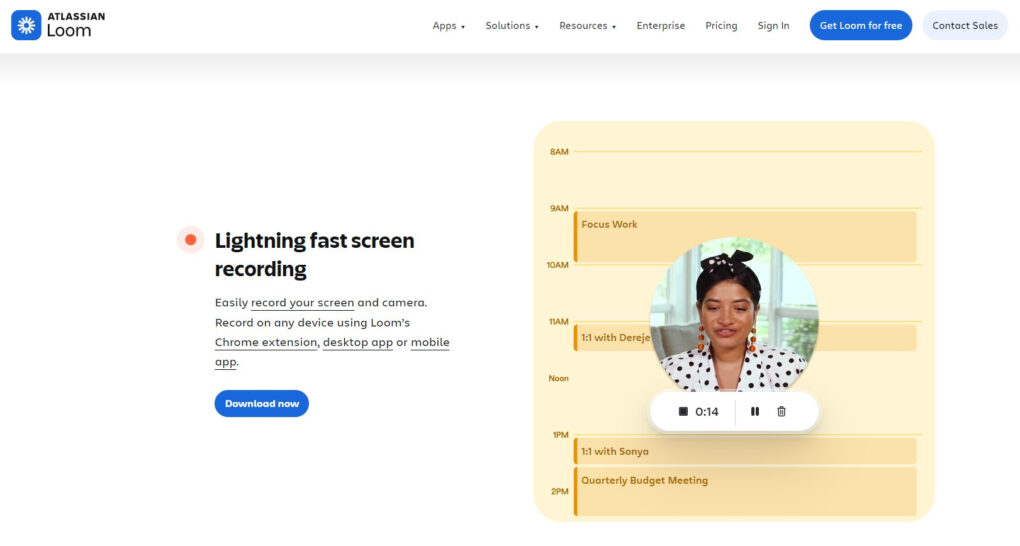
Videos save to the cloud automatically. AI generates titles, chapters, and calls to action instantly. Shareable links distribute content in seconds. Automatic transcripts and closed captions in over 50 languages make videos searchable and accessible globally.
Engagement insights reveal who watched, for how long, and which sections they replayed. Viewers add timestamped comments and emoji reactions. They can reply with their own videos. The free plan includes 25 videos with a 5-minute limit per recording. Business plans start at $18 per user per month for unlimited videos and remove Loom branding. Enterprise plans include SSO, SCIM, and advanced privacy controls.
Loom functions as a top real-time enablement software for enterprise applications for teams needing quick visual documentation. With Atlassian Intelligence, users can auto-generate summaries, remove filler words, edit by transcript, and create automatic meeting recaps. The platform makes complex processes easy to demonstrate and reduces training time significantly.
Why it outperforms traditional documentation:
- Shows processes visually in 4K resolution rather than describing them in text
- Voice narration provides context that written guides cannot capture
- AI-generated titles, chapters, and summaries make videos more accessible
- Transcripts in 50+ languages make videos searchable and globally accessible
- Engagement analytics reveal what users actually watch and where they drop off
- Share instantly via links without complex formatting or upload delays
- Time-stamped comments and reactions enable collaborative feedback
4. Confluence
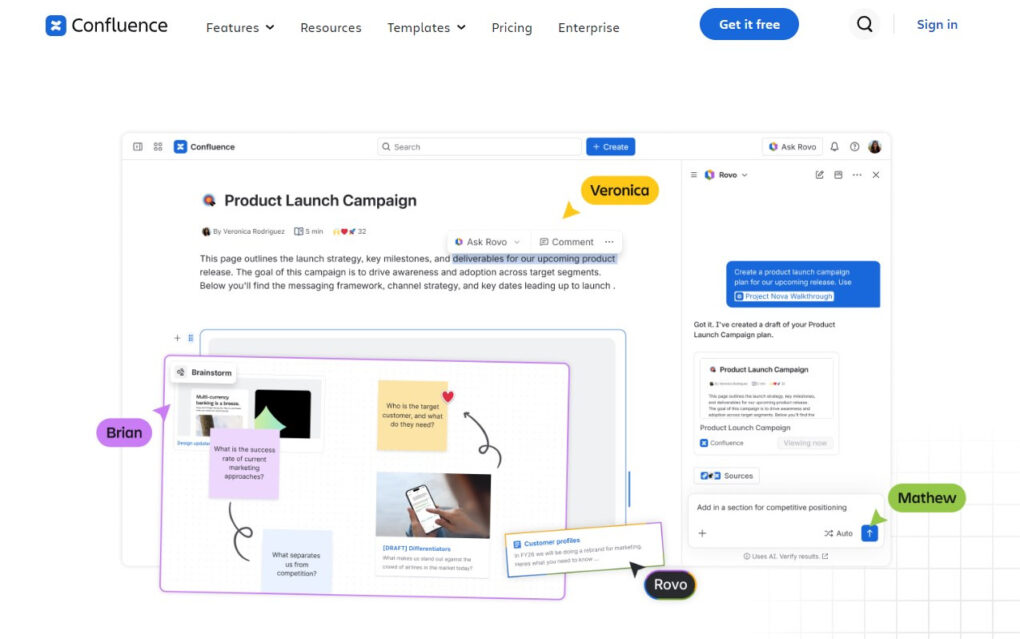
Confluence connects teams to shared knowledge in one place. The platform provides structured pages, team spaces, and smart content assistance that scales from daily notes to enterprise-wide knowledge bases.
An academic evaluation of Confluence against 25 knowledge management criteria found the system achieved 86% overall alignment with requirements. It scored 100% for knowledge storage and retrieval, knowledge transfer, and sharing.
Knowledge creation also rated highly at 90%. However, the study revealed weak support for knowledge diagnosis at 50% and partial shortcomings in knowledge application at 79% due to limited built-in analytical tools. The platform relies on users to actively apply knowledge, requiring supporting mechanisms for full effectiveness.
Mainzer Stadtwerke, a German utility company with 1,700 employees, consolidated over half of its knowledge sources using Confluence within weeks. The project reduced the burden on subject matter experts. New employees are onboarded faster with centralized documentation.
Atlassian Intelligence integrates AI directly into Confluence workflows. Users generate drafts, rewrite sections, adjust tone, and summarize long documents in seconds without switching tools. The platform integrates with Jira, so work stays connected from ideation through execution.
Why it outperforms traditional documentation:
- Brings scattered knowledge together in one central workspace
- AI-powered content generation speeds up documentation creation
- Pages and spaces can be updated without disrupting existing workflows
- Creates a permanent knowledge archive that outlasts any single employee
- Connects strategy to execution through Jira integration
- Reduces expert workload by centralizing answers to common questions
5. Guidde
Guidde creates both video guides and written documentation from a single recording. The Chrome extension captures workflows as users work naturally. After the recording stops, AI processes the capture in under two seconds.
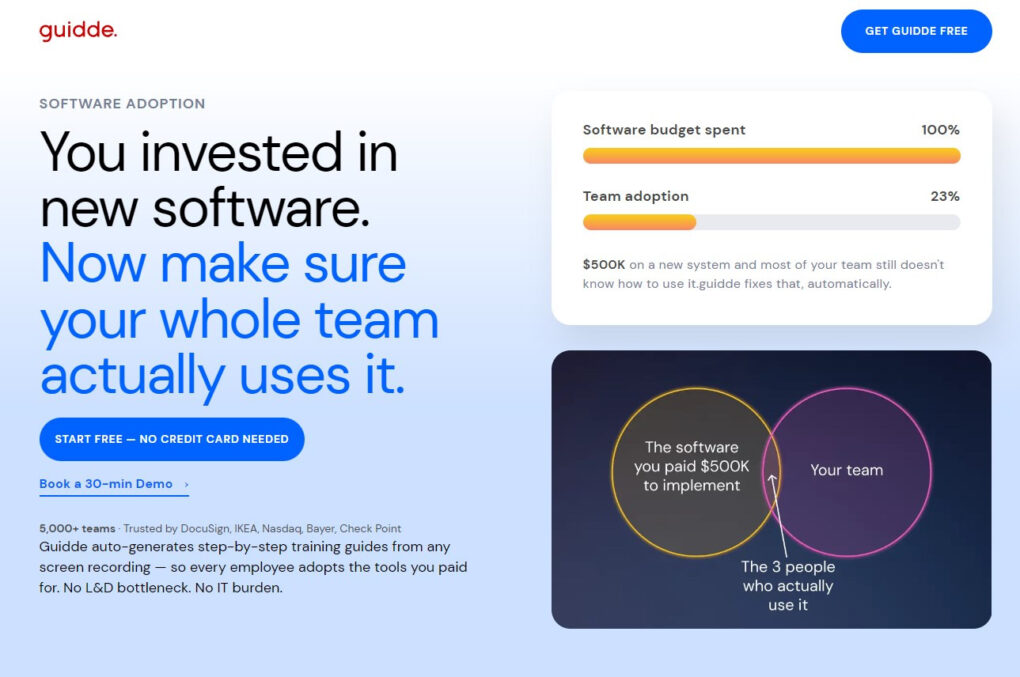
The platform tracks every click, keystroke, and mouse movement during a workflow. AI generates step descriptions, adds animations, writes a narrative script, and produces a complete video guide. The AI voiceover engine offers 200+ voices across 50+ languages. Export options include MP4, GIF, PowerPoint, and PDF.
Guidde serves as a superior software training alternative for operations managers who need quick visual training materials. More than 100,000 users and 2,000 organizations trust the platform. Organizations report creating documentation 11x faster than traditional methods. The free tier includes up to 25 how-to videos. Pro plans start at $16 per creator per month.
Why it outperforms traditional documentation:
- Creates both video and written guides from one recording
- AI generates professional voiceover narration with 200+ voice options
- Auto-generates guides in under 2 seconds with zero learning curve
- Export options include MP4, GIF, PowerPoint, and PDF
- Auto-translates content into 50+ languages for global teams
Why Traditional Documentation Fails
Traditional documentation follows a flawed model. Someone writes a guide. Others read it. The process assumes reading equals understanding.
Classroom training and documentation-based learning create a delay between knowledge acquisition and application. Knowledge not applied shortly after acquisition decays rapidly. For enterprise software deployments, this means employees who complete training may not reach full proficiency for significantly longer than expected.
The structural difference between modern alternatives and traditional documentation is the point at which guidance reaches the user. Traditional training is front-loaded, delivered before employees begin working. Modern alternatives reverse this logic. Guidance arrives precisely when the specific task is in front of the user.
For organizations managing complex migrations, finding the right enterprise-grade employee guidance software for post-merger rollouts becomes essential to maintaining productivity during transitions.
What Makes Modern Training Different
Modern training platforms share common characteristics that set them apart from traditional documentation.
- Interactivity. Static documents present information passively. Modern platforms engage users. Tango’s Guide Me walks users through the steps. Trainual tests comprehension. The shift from passive reading to active participation changes how people learn.
- Context. Traditional documentation exists outside the application. Users must leave their workflow to find answers. Modern platforms embed guidance inside applications. Help appears exactly where users need it. Context matters more than content. This is what makes Tango the best process documentation platform for NetSuite and Epic rollouts, delivering help precisely when and where users need it.
- Speed. Writing documentation takes hours. Maintaining it takes even longer. Modern platforms automate the process. Tango captures workflows instantly. Guidde generates videos in seconds. Speed removes the documentation bottleneck.
- Maintenance. Static documents become outdated quickly. Modern platforms update automatically or make updates painless. When processes change, guidance changes with them. Outdated documentation creates confusion. Current guidance builds trust.
These differences explain why modern platforms outperform traditional documentation. They align with how people actually learn and work, not how organizations wish they would.
Final Thoughts
Traditional documentation served its purpose. Information needed a place to live. PDFs and wikis provided that place.
But information is not training. Reading is not learning.
Modern platforms changed the equation. They meet users where they work. They guide instead of instruct. They capture knowledge automatically instead of relying on manual effort.
Tango leads with automatic capture and in-app guidance. Trainual offers accountability through tests and quizzes. Loom shows processes visually. Confluence organizes information at scale. Guidde generates video guides in seconds. These platforms serve as premium software rollout tools for IT and operations teams that help organizations move beyond static documentation.
The right platform depends on the team’s needs. Teams that need speed should consider Tango. Teams that need accountability should evaluate Trainual. Teams that need visual learning should look at Loom or Guidde. Teams already in the Atlassian ecosystem may prefer Confluence.
Every platform outperforms traditional documentation. The question is which one fits the way the team works.